Mobile Features
The mobile app focuses on core generation and consumption. Management features like billing and team administration are available on the web platform.
Feature comparison
Section titled “Feature comparison”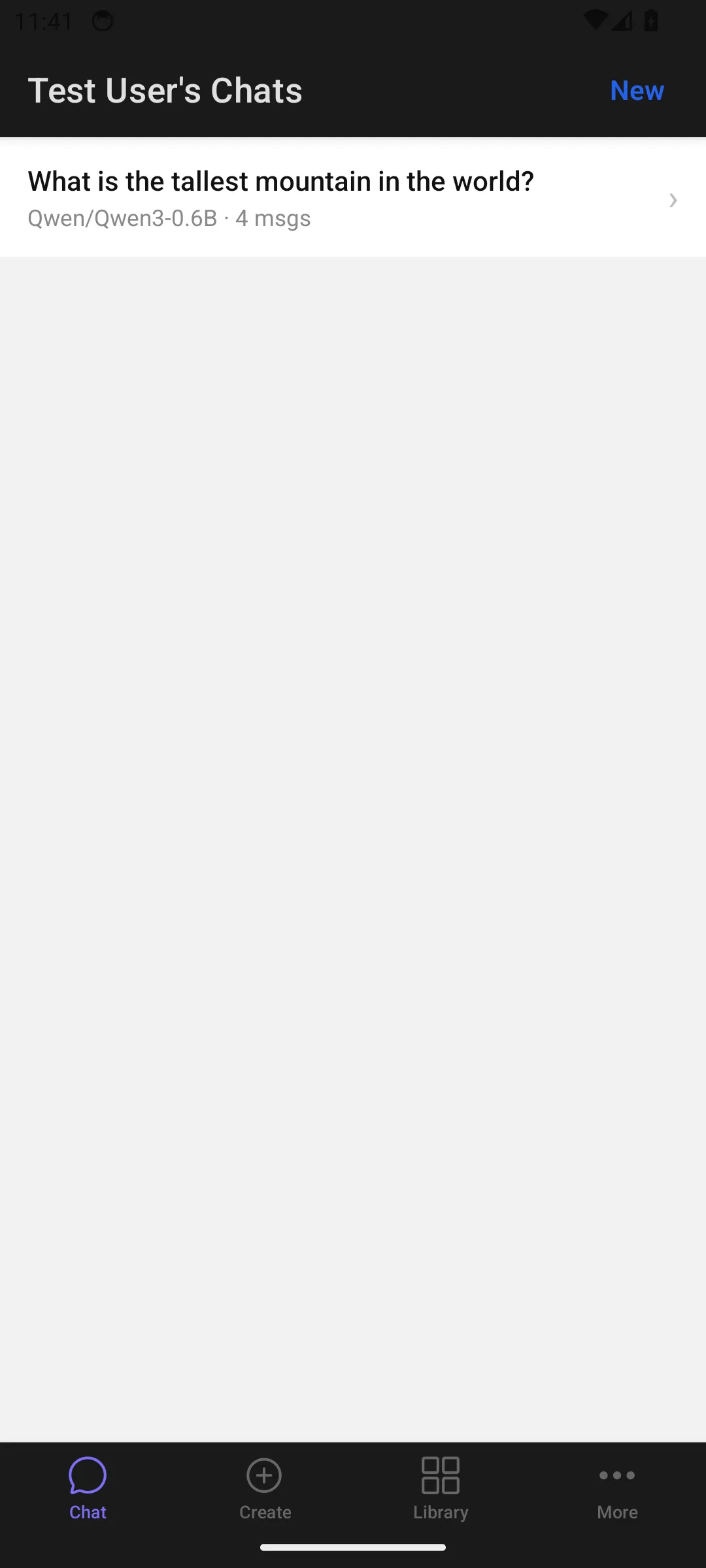
| Feature | Web | Mobile |
|---|---|---|
| Chat (multi-turn, streaming, model selection) | Yes | Yes |
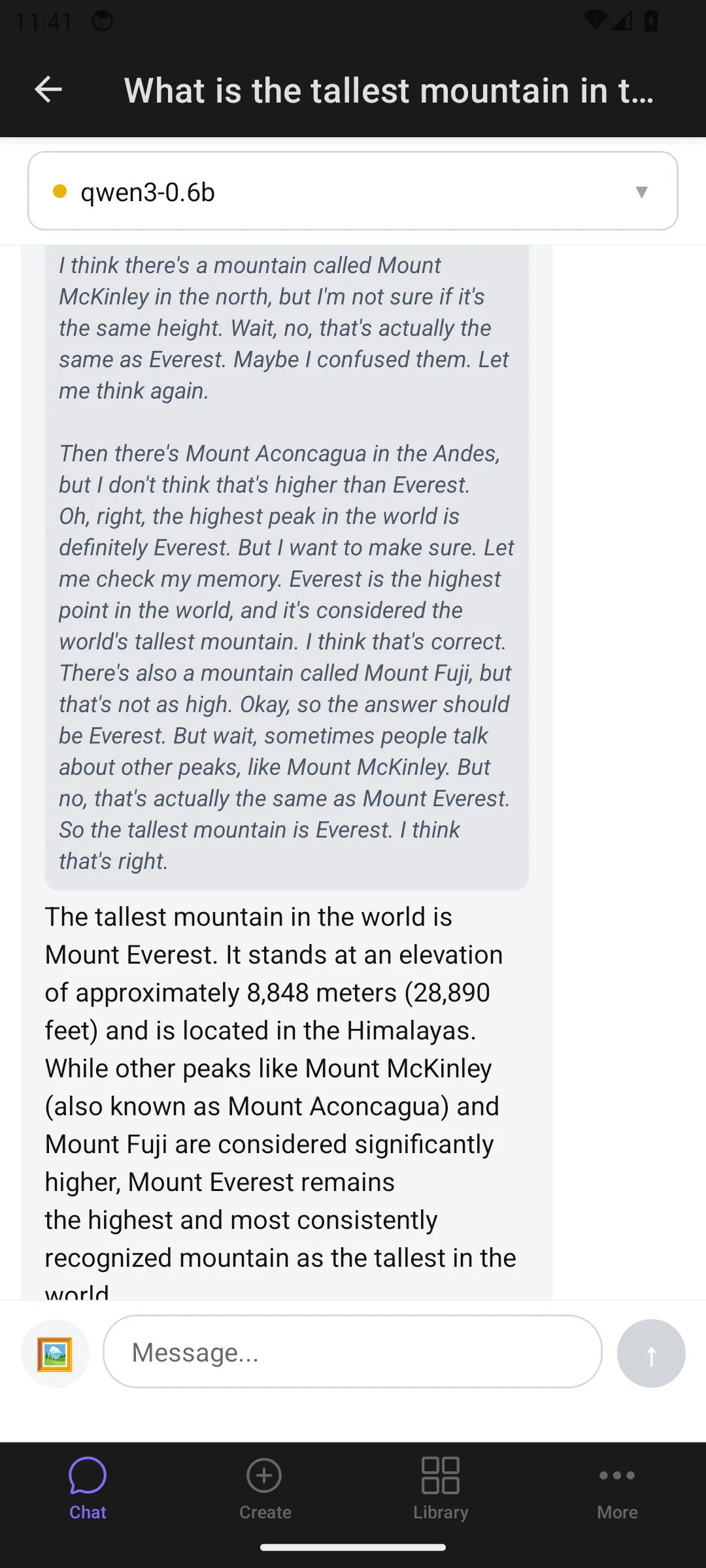
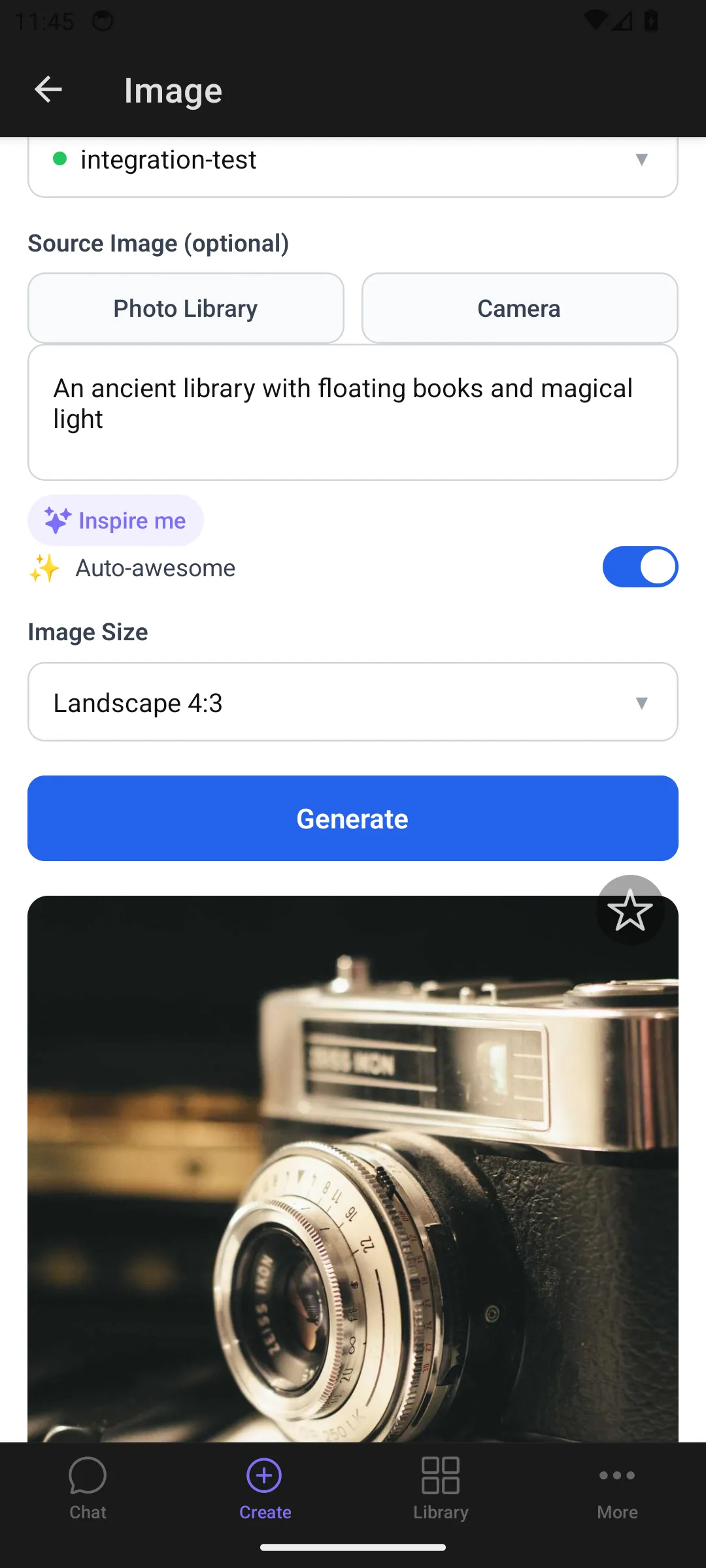
| Image generation | Yes | Yes |
| Video generation | Yes | Yes |
| Voice generation | Yes | Yes |
| Transcription | Yes | Yes |
| OCR | Yes | Yes |
| Library (view, filter, delete) | Yes | Yes |
| Studio (interactive generation) | Yes | No |
| Workflows | Yes | Coming soon |
| Team management | Yes | No |
| Billing & usage | Yes | No |
| API tokens | Yes | No |
Mobile-specific features
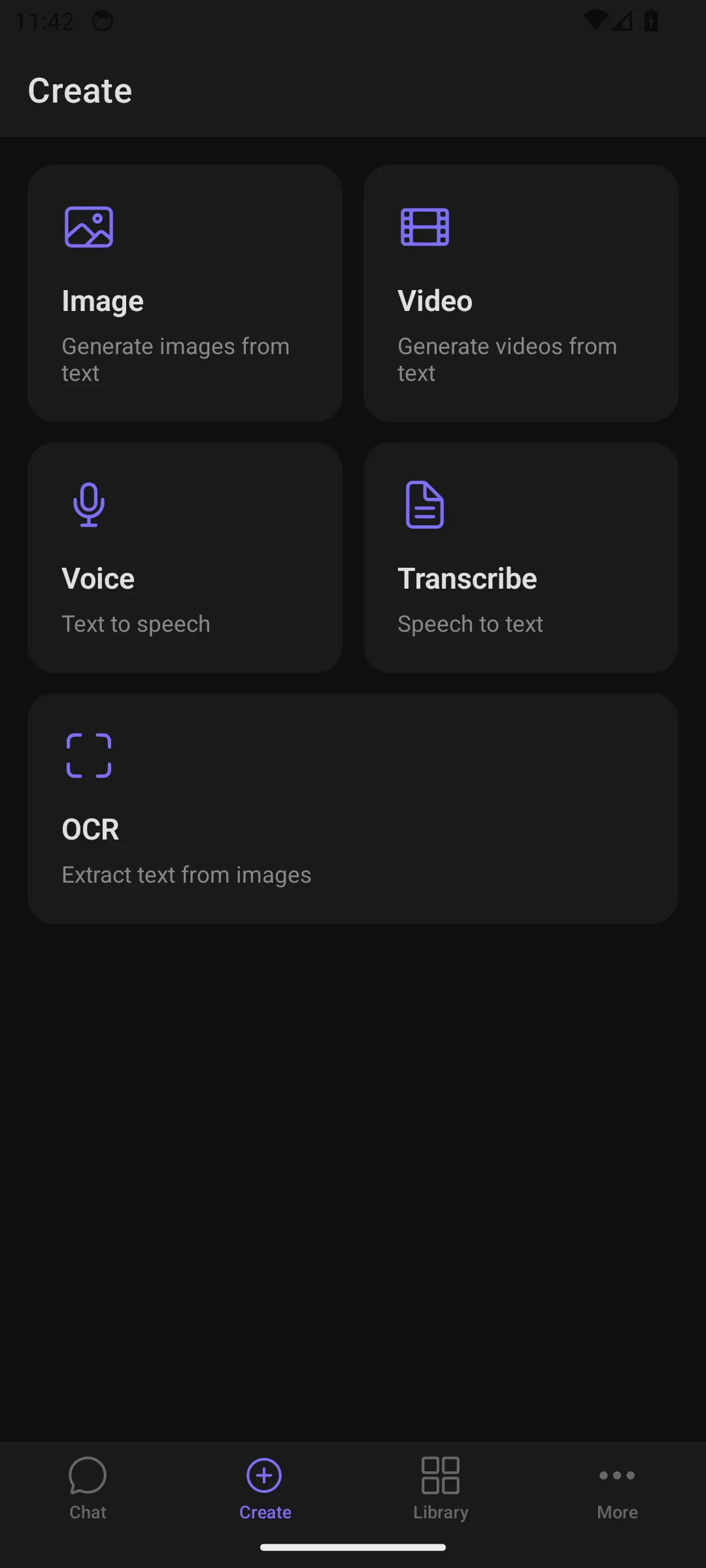
Section titled “Mobile-specific features”Create Hub — a tile-based launcher for all generation types. Tap a tile to jump straight into image, video, voice, transcription, or OCR generation.
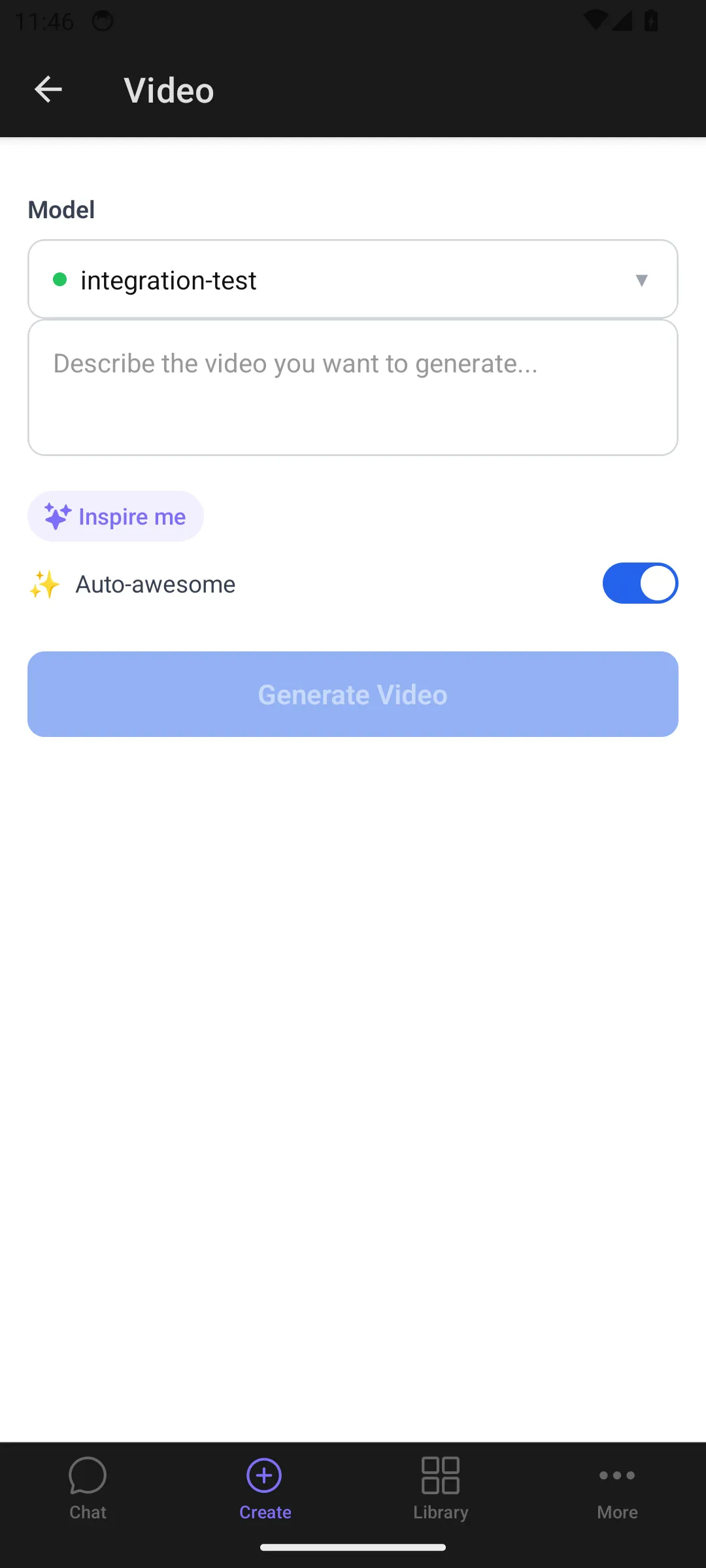
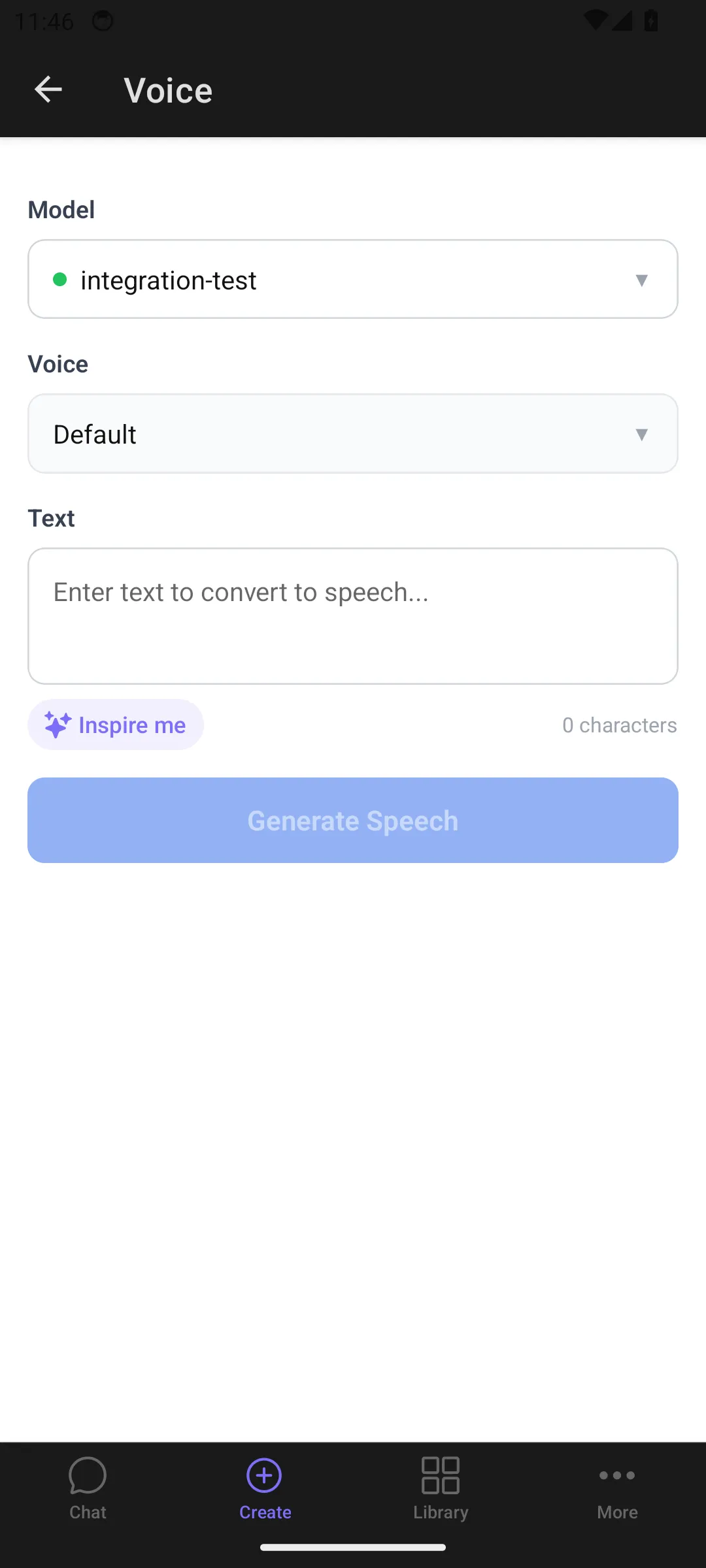
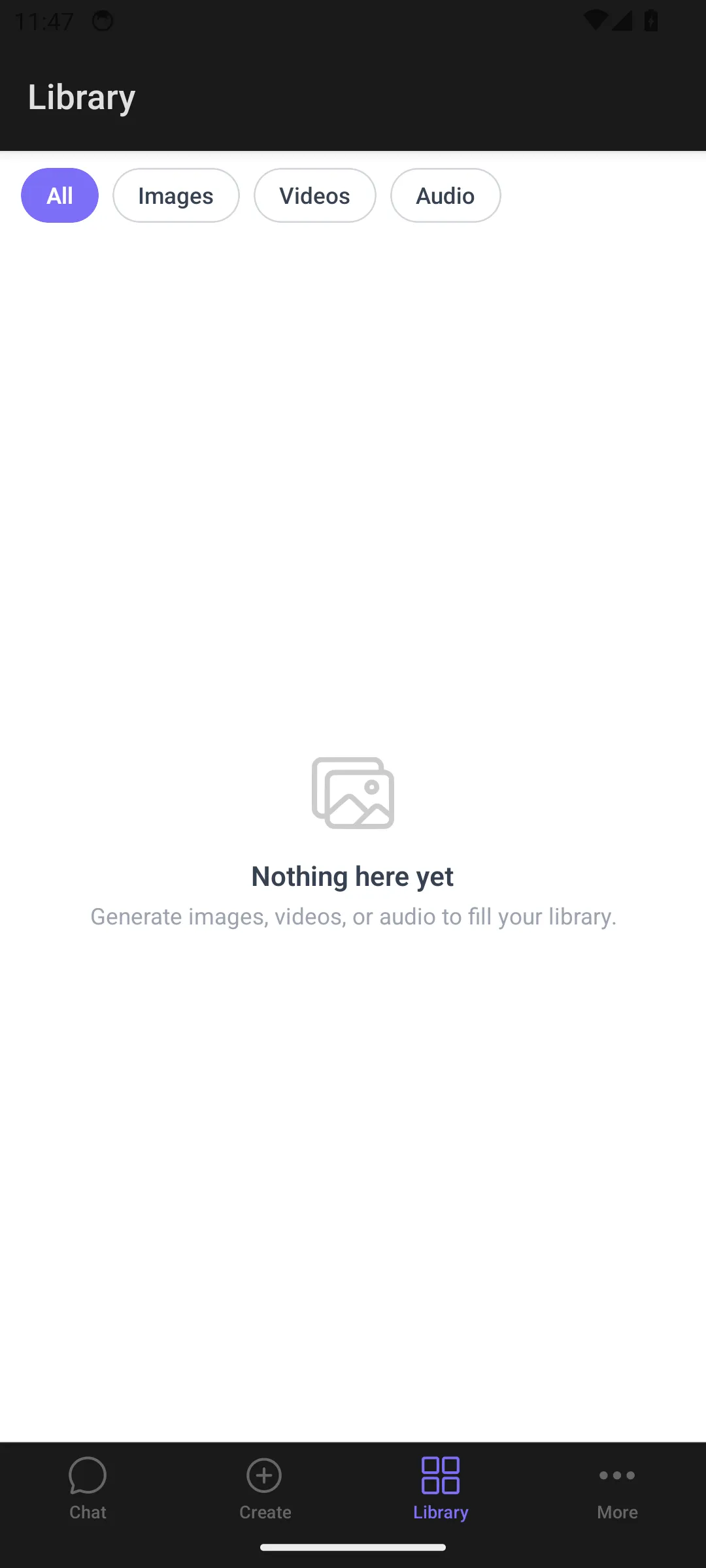
Library grid view — generated content is displayed in a 3-column grid organized by month with sticky headers. Tap any item to open a full-screen viewer with pinch-to-zoom for images. Use the filter bar (All, Images, Videos, Audio) to narrow results.
Quick actions — long-press a library item to open actions specific to its type:
- Images: regenerate, animate, edit
- Videos: regenerate, lipsync, change voice
- Audio: regenerate
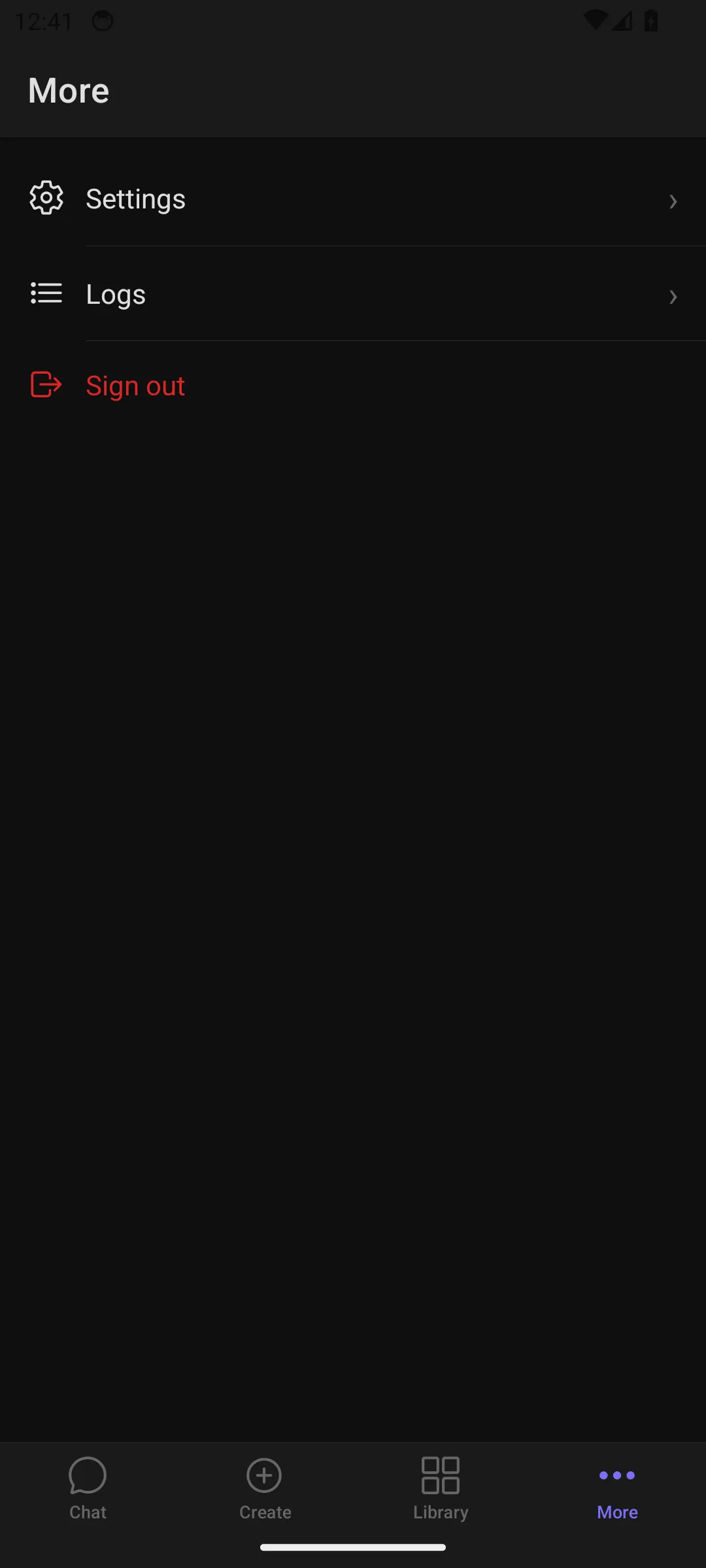
Log viewer — a real-time diagnostic log accessible from More > Logs. Filter by severity (all, warnings, errors) and search by message content. Useful for troubleshooting on-device.
UX differences from web
Section titled “UX differences from web”- Navigation — the mobile app uses a bottom tab bar (Chat, Create, Library, More) instead of the web sidebar.
- Content creation — the Create Hub tile interface replaces the web’s sidebar navigation for accessing generation types.
- Library layout — the mobile library uses a grid with monthly section headers, while the web uses a paginated list view.
- Portrait only — the main interface is locked to portrait orientation. The full-screen gallery viewer unlocks to landscape when viewing media.