Mobile Getting Started
The Casola mobile app brings AI generation to your Android device. It covers the core generation features available on the web platform in a touch-friendly interface.
Installation
Section titled “Installation”The app is currently distributed through Expo Go during the development phase. Install Expo Go from the Google Play Store, then open the Casola project link shared by your team.
For production builds, your team admin can distribute a standalone APK via EAS (Expo Application Services).
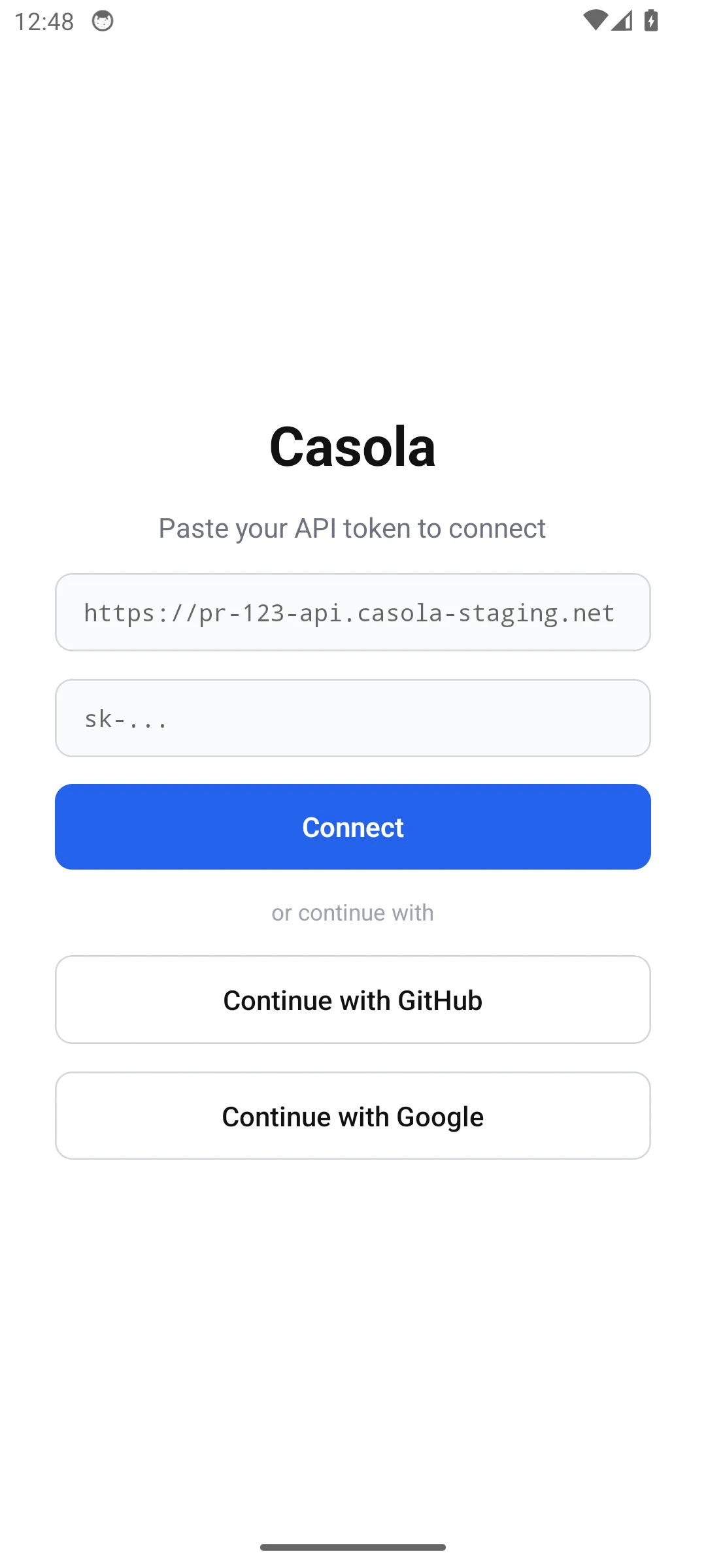
The login screen offers two options:
- Continue with GitHub or Continue with Google — opens your browser for OAuth authentication, then returns you to the app automatically.
- API token — paste an existing
sk-...token directly. Optionally set a custom server URL if your team uses a dedicated instance.
After login, the app selects your first organization automatically.
Your first generation
Section titled “Your first generation”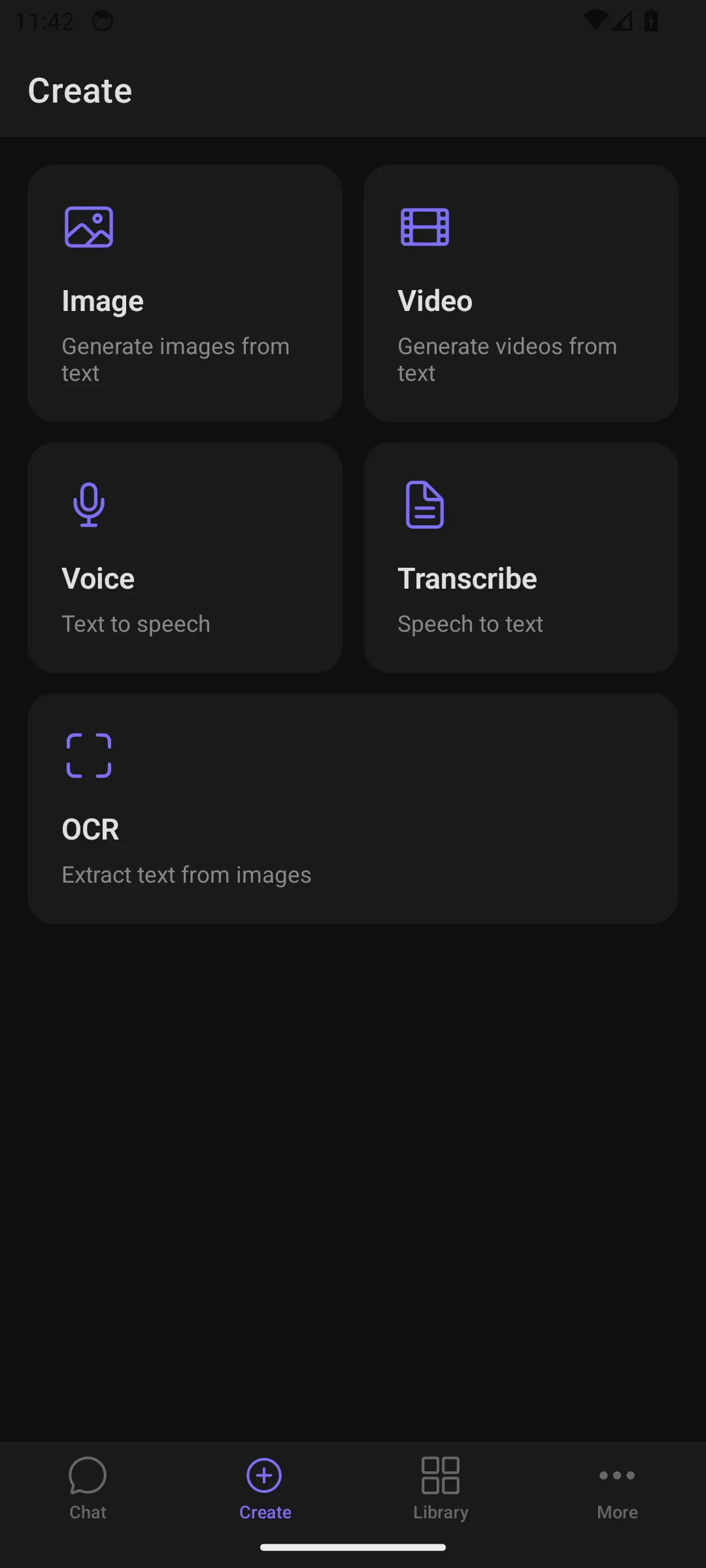
- Tap the Create tab in the bottom bar.
- The Create Hub shows five content types as tiles: Image, Video, Voice, Transcribe, and OCR.
- Pick a tile — for example, Image.
- Enter a prompt (or tap Inspire Me for a random suggestion) and hit send.
- Your result appears on screen and is saved to your Library automatically.
Navigating the app
Section titled “Navigating the app”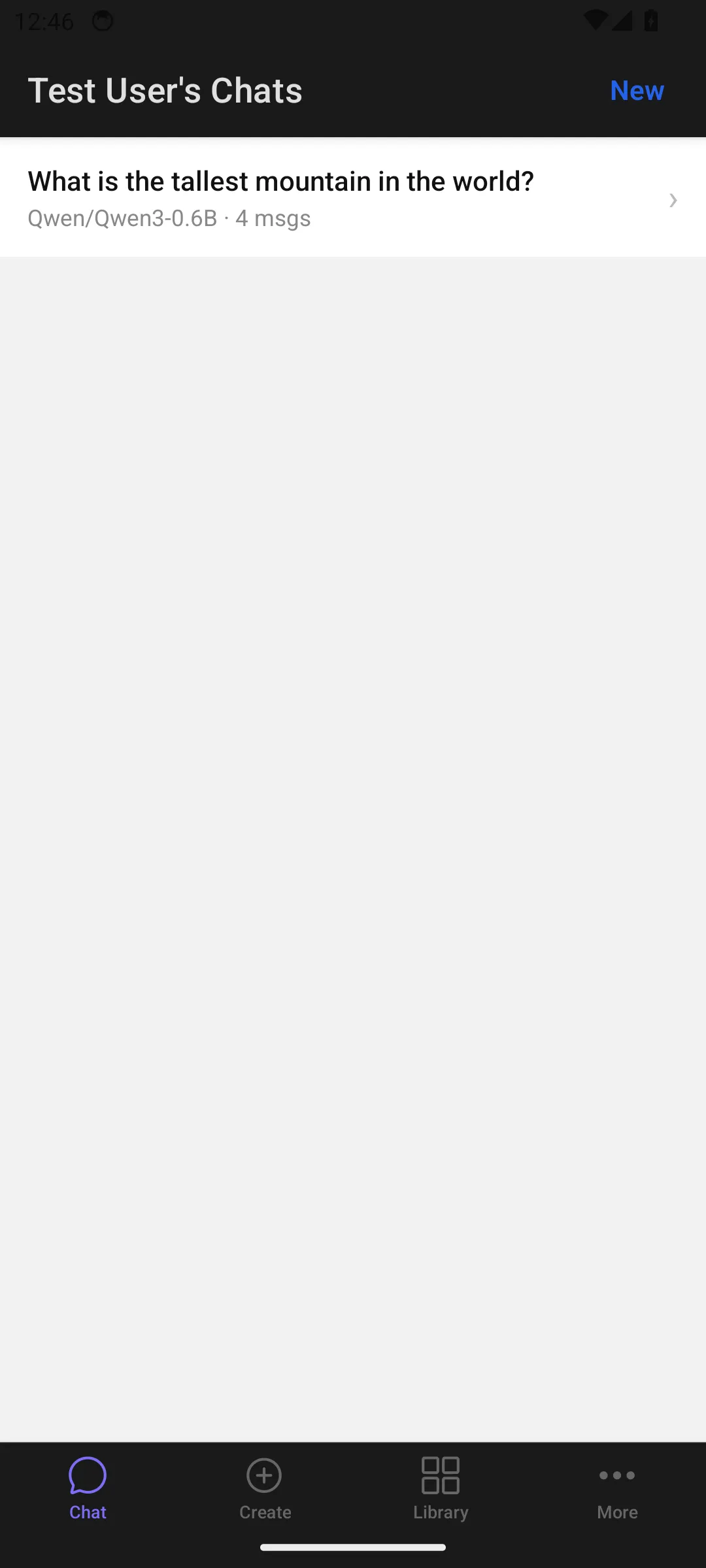
The bottom tab bar has four sections:
| Tab | What it does |
|---|---|
| Chat | Multi-turn conversations with LLMs. Supports text and image input, streaming responses, and model selection. |
| Create | The Create Hub — tap a tile to generate images, videos, voice audio, transcriptions, or extract text via OCR. |
| Library | A grid gallery of everything you’ve generated, organized by month. Filter by type (images, videos, audio) and tap any item to view it full-screen. |
| More | Settings (server URL, account info, app version), a real-time log viewer, and sign out. |
For detailed information on each generation feature, see the feature comparison.